Role Setup
Last updated: November 3, 2026
This is the starting point to onboard your role(s) to Paraform. The information requested in each section of role setup is directly relayed to our recruiters so they understand your hiring needs and deliver the right talent! The more detailed your responses are to each section, the better your recruiters can execute on your role.
Getting started
Immediately after you are invited to our platform, you'll have the opportunity to onboard a role (but these instructions remain the same even if you've made ten hires on Paraform). Click on the "Create a new role" button. From there, you'll be guided through several sections that allow you to efficiently build your role. Each section is described below.
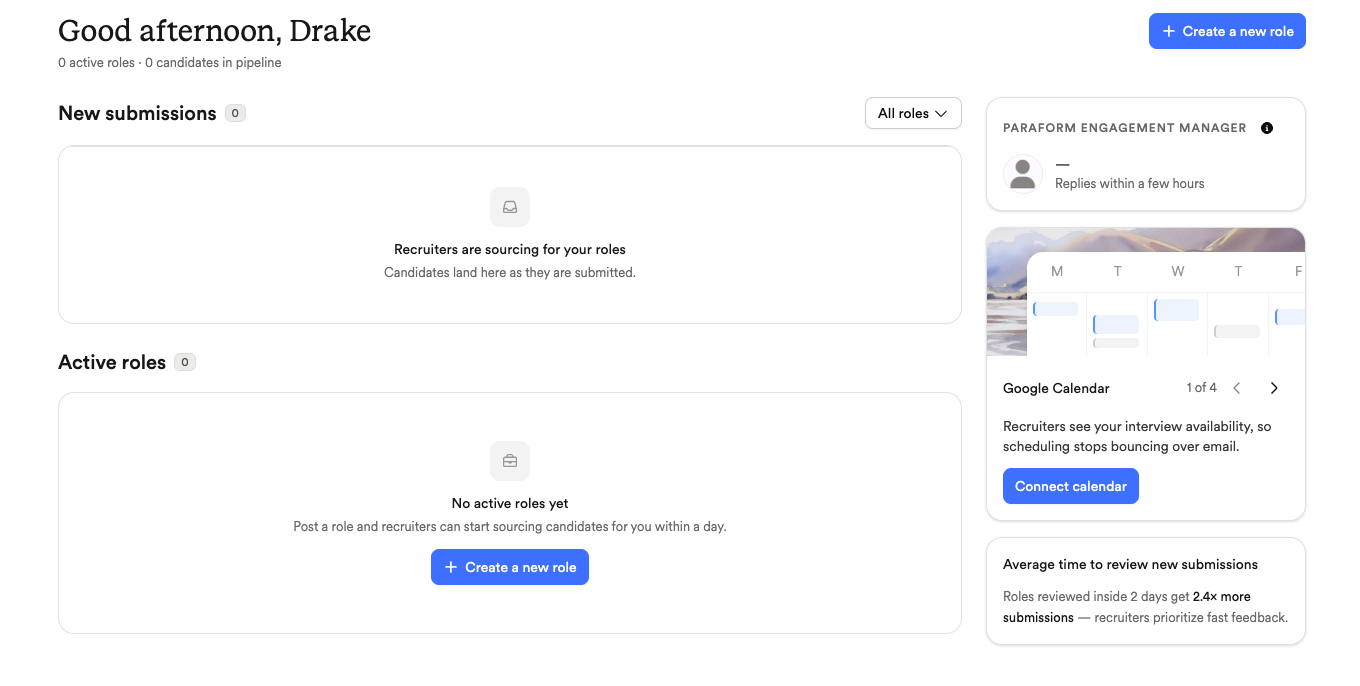
Step 1 - Role Details
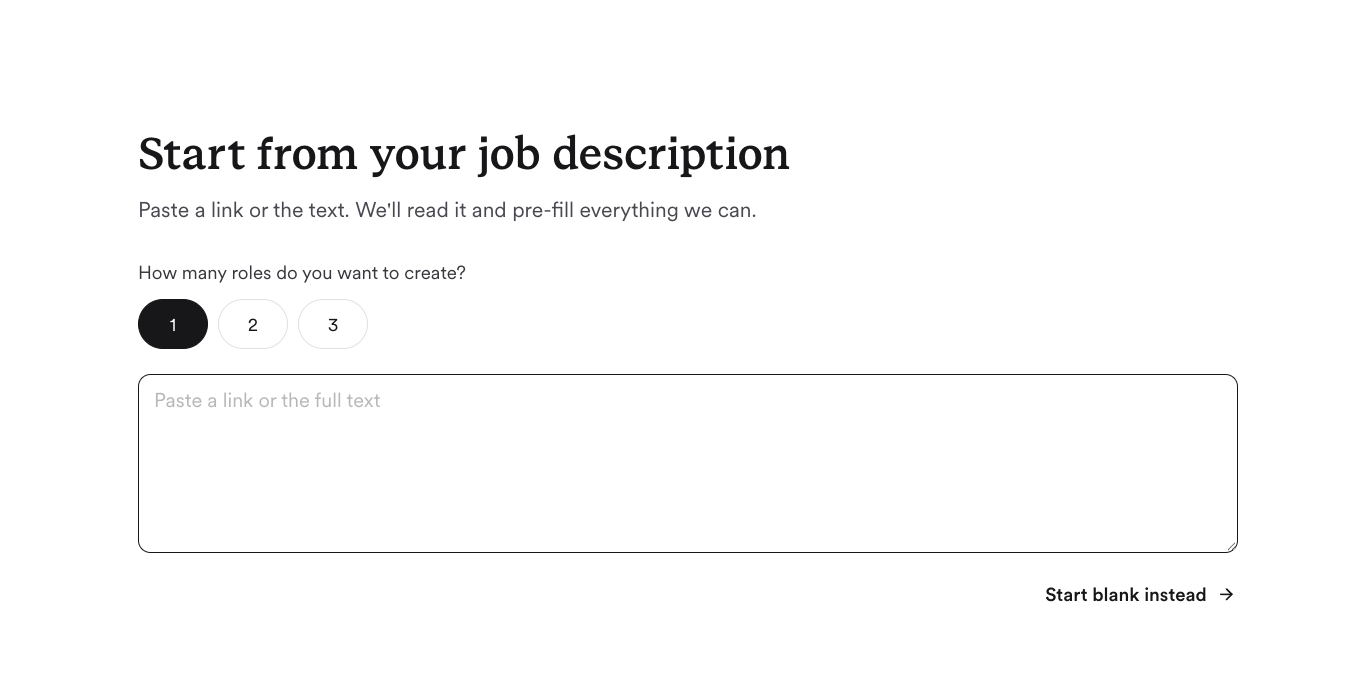
Select how many unique roles you'll be setting up. If you have an existing job description from your site or ATS, you can paste that here to greatly expedite setup.
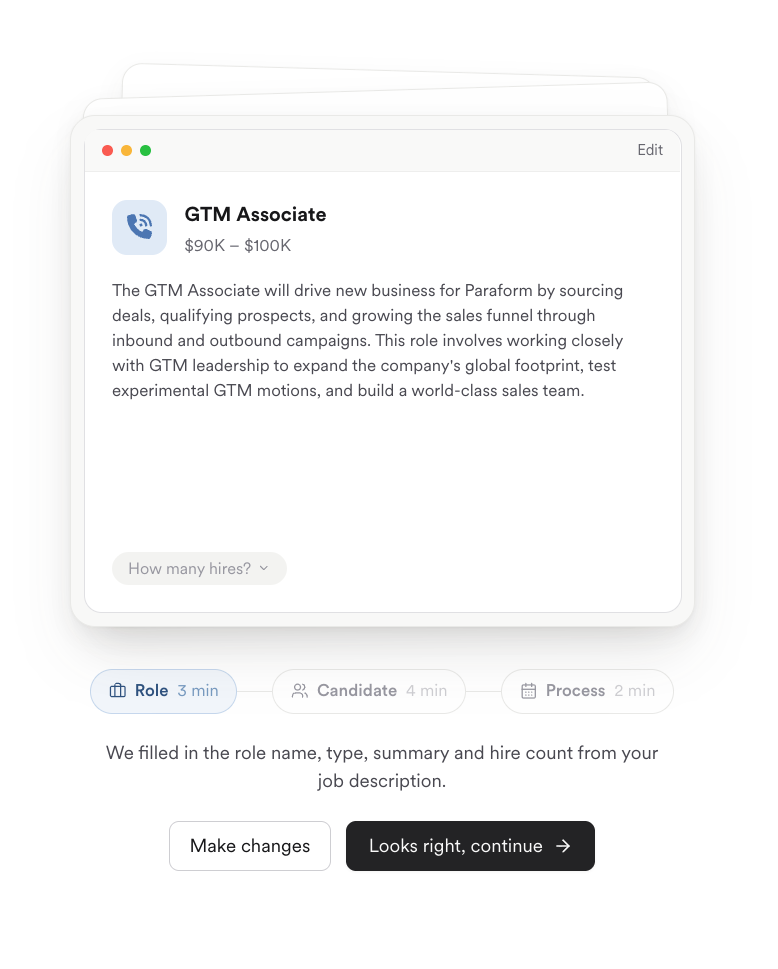
Once our site has pulled the information from your listing, it will populate those details into the setup, like below.
Step 2 - Candidate Preferences
Once you've built the structure of your role, we'll ask for some insight into the type of candidates that you're looking for. Communicating the positive and negative signals that your team cares about most will allow recruiters to align to your priorities. Practically, this means that early submissions will be on target, rather than recruiters aligning through rejected candidates.
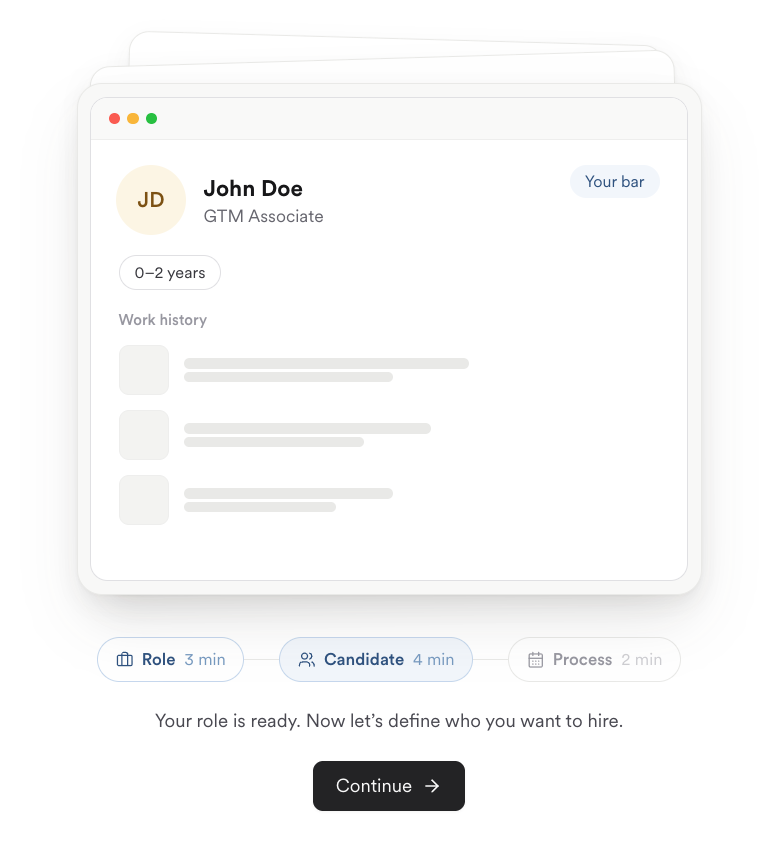
After you've described your ideal candidate, we'll pitch you 1-3 profiles from our platform to review. Take a moment to assess how these compare to your preferences and provide us with some feedback on how we've done. We expect that your first submissions (like all others) should be people you're excited to talk with! This step helps us make that happen.
Step 3 - Hiring Process Outline
After confirming some details about your hiring process — your interview plan, who from your team will own this search, etc. — we'll show you the full writeup of your role that will be presented to recruiters. Here you can double-check everything is correct and appropriate to be shared.
Once you've confirmed, you'll be able to book time with your engagement manager who will staff your role with recruiters well suited to the job function and your company's domain. This conversation allows our team to gain insight deeper than we can through the form itself.

Once you've completed your kickoff call we're off to the races! We'll start sending you quality candidates and you can start scheduling interviews.