Your Paraform Dashboard
Last updated: September 25, 2026
Your Home dashboard is the first thing you see when you log in. It pulls together the roles you're working, the candidates you have in play, and the rewards you're tracking toward, all in one place.
The main view
The center of the page is where your active work lives. Depending on where you are in your ramp-up and what you have in motion, the top of this column may also surface submission requests and role match invites. The three sections you'll use most are below.
Primary roles
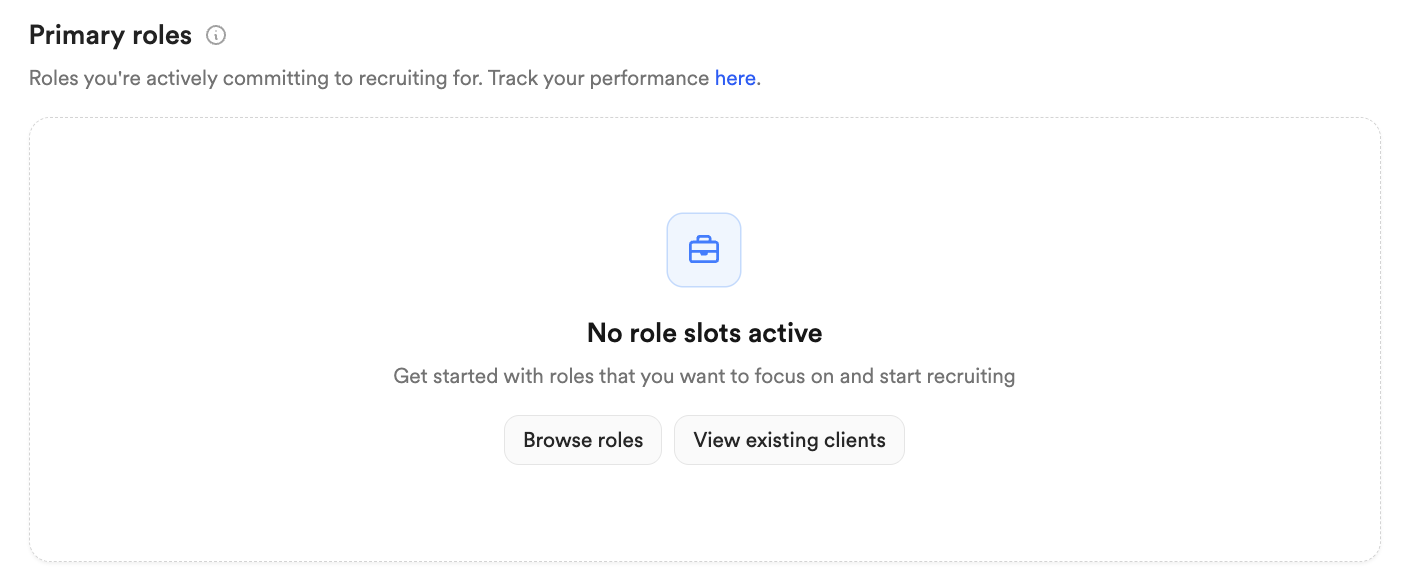
Primary roles are the roles you're actively committing to recruiting for. You hold a limited number of primary slots at a time, and each role you take fills one. When your slots are full, you'll need to withdraw from a role or request additional slots before you can add another. For how you get approved onto a role in the first place, see 📄 The Recruiter Approval Process.
Single submissions
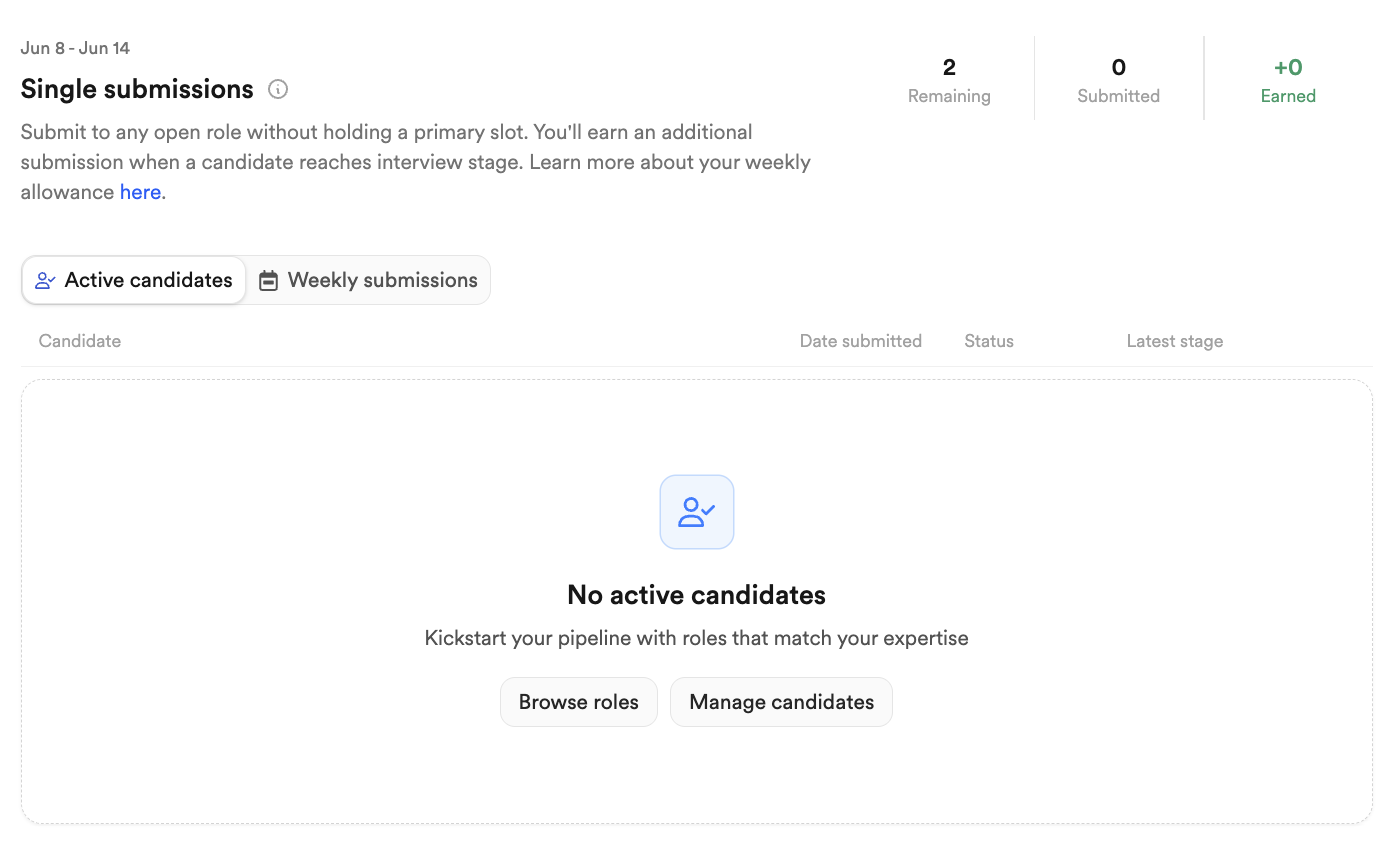
Single submissions let you submit a strong candidate to any open role without holding a primary slot for it. You get a weekly allowance of submissions, and when one of your single-submission candidates reaches the interview stage, you earn a submission back. It's the quickest way to get a great candidate in front of a role you aren't slotted on.
Candidates interviewing
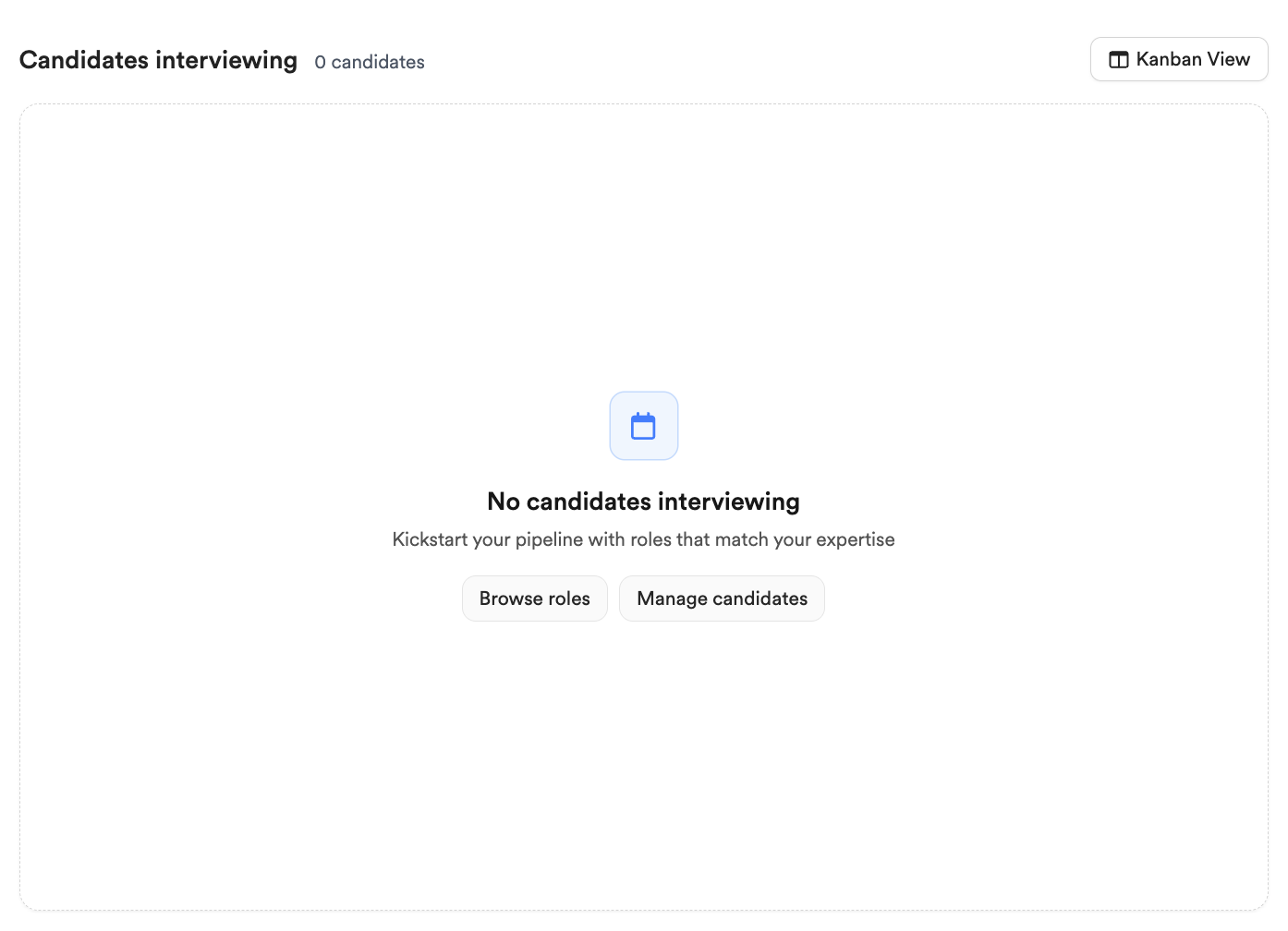
This section lists the candidates you currently have moving through interviews, with a count at the top and your most active candidates surfaced first. Click any candidate to open their profile, or use Kanban view to open the full board on your 📄 Candidates Dashboard.
The progress and rewards panel
The panel on the right is where you track progress and rewards. What appears here adapts to your activity, but the main cards are below.
Challenges
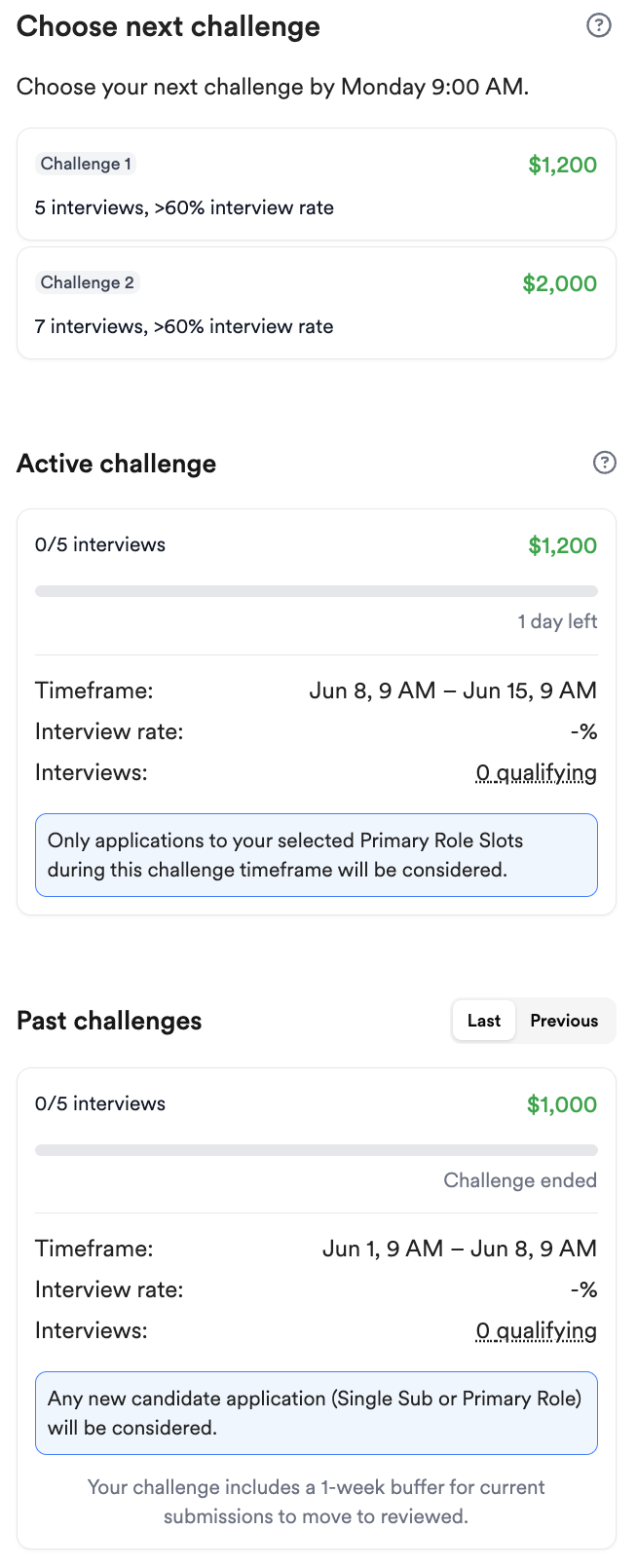
If you have an active or upcoming challenge, its card shows here with your progress toward the target, and recently completed challenges appear beneath it. For how challenges work, see 📄 Paraform Challenges.
Pipeline value
The pipeline value card shows the total value of the candidates you currently have in mid-round interviews or later, along with how many unique candidates that represents. Use the toggle to switch between your pipeline value and your mid-round interview rate over time.
The left-hand navigation
The sidebar on the left moves you between the main areas of Paraform. It's grouped into four sections.
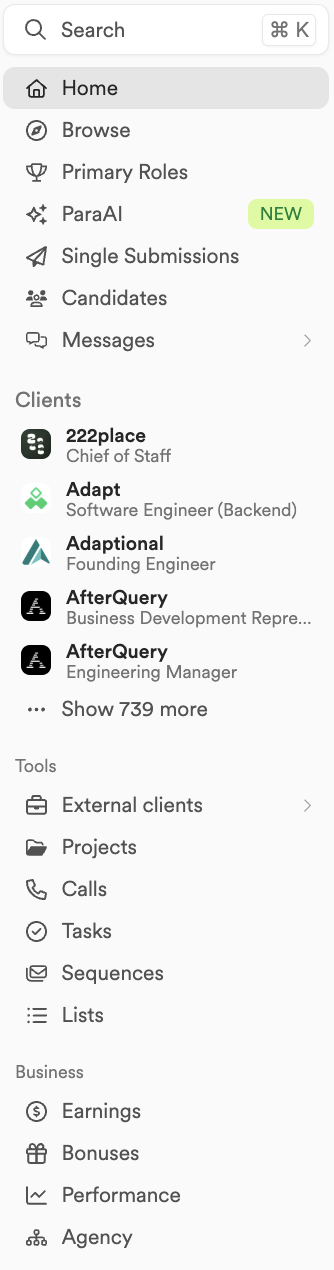
Top
Home: This dashboard.
Browse: Explore open roles you can recruit on.
Primary roles: Your slotted roles and how they're performing.
ParaAI: AI-matched candidates for your roles. See 📄 ParaAI Matches.
Single submissions: Your single-submission history and weekly allowance.
Candidates: Your full candidate CRM. See 📄 Candidates Dashboard.
Messages: Your conversations with candidates and hiring managers on primary roles.
Clients
A list of your current primary roles for quick access.
Tools
Sourcing: Search for and source new candidates. See 📄 Broadening Your Candidate Pool and 📄 Email Sourcing.
External clients: Roles and clients you manage outside Paraform.
Projects: Folders for grouping candidates by theme.
Calls: Your scheduled and recorded calls. See 📄 Paraform Calls.
Tasks: Your to-dos across roles and candidates.
Sequences: Your outreach email sequences. See 📄 Email Sequences.
Lists: Your saved and curated candidate lists. See 📄 Curated Lists.
Business
Earnings: Your payments and payout history. See 📄 Getting Paid on Paraform.
Bonuses: Overviews of your Paraform Streaks and Paraform Guarantees. See 📄 Paraform Streaks .
Performance: Your recruiting metrics and trends.
Agency: Manage your agency and team, if you have one.